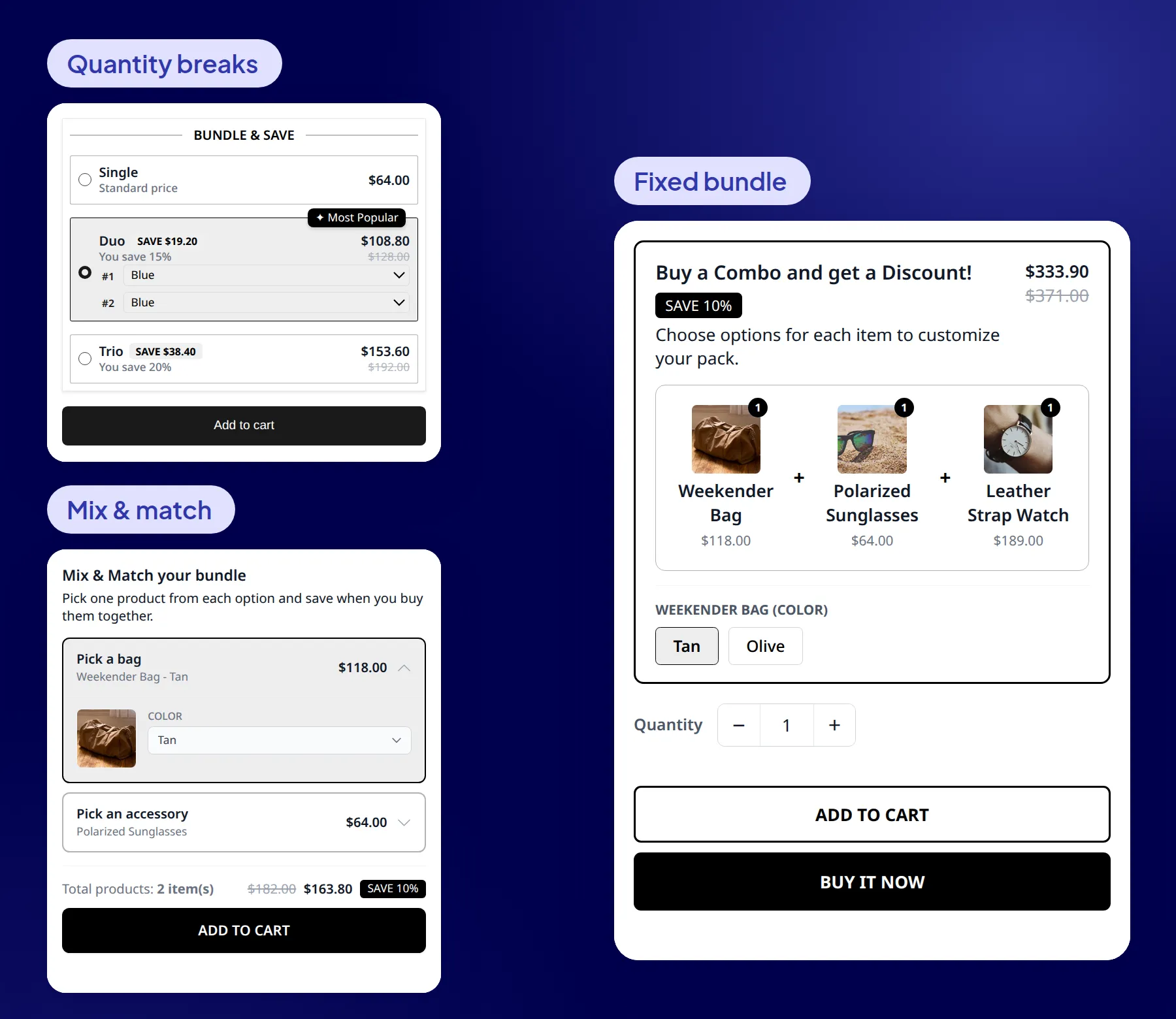
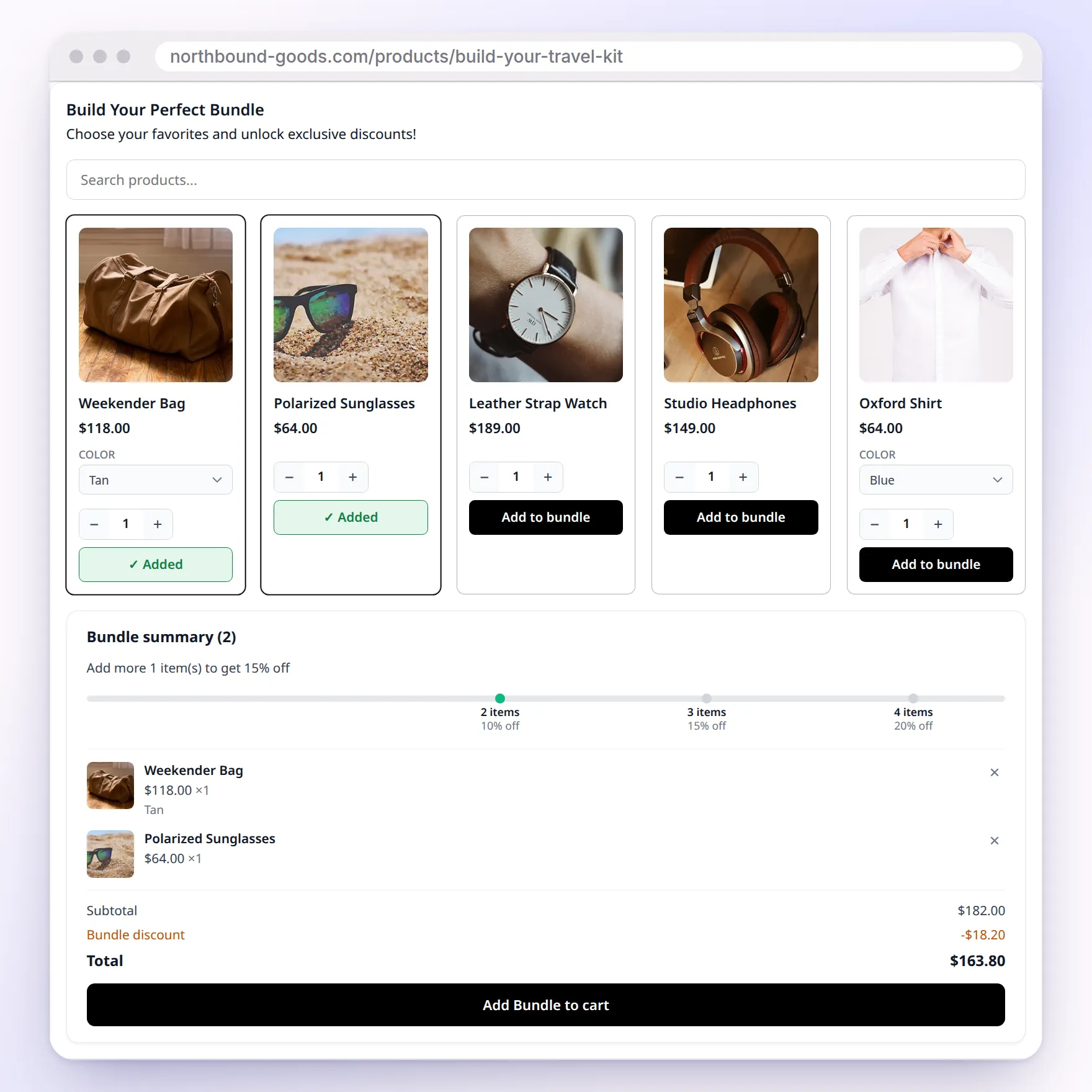
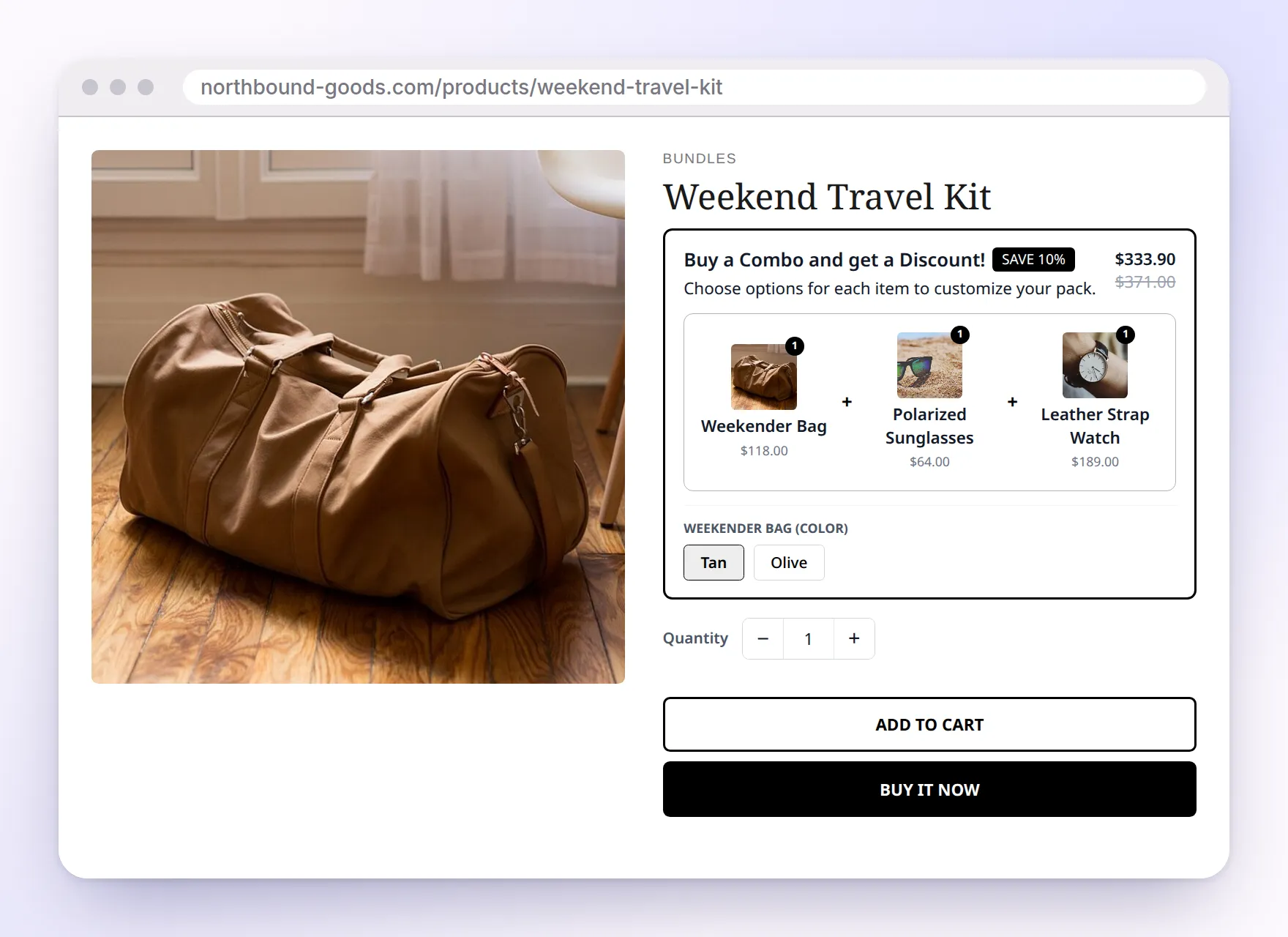
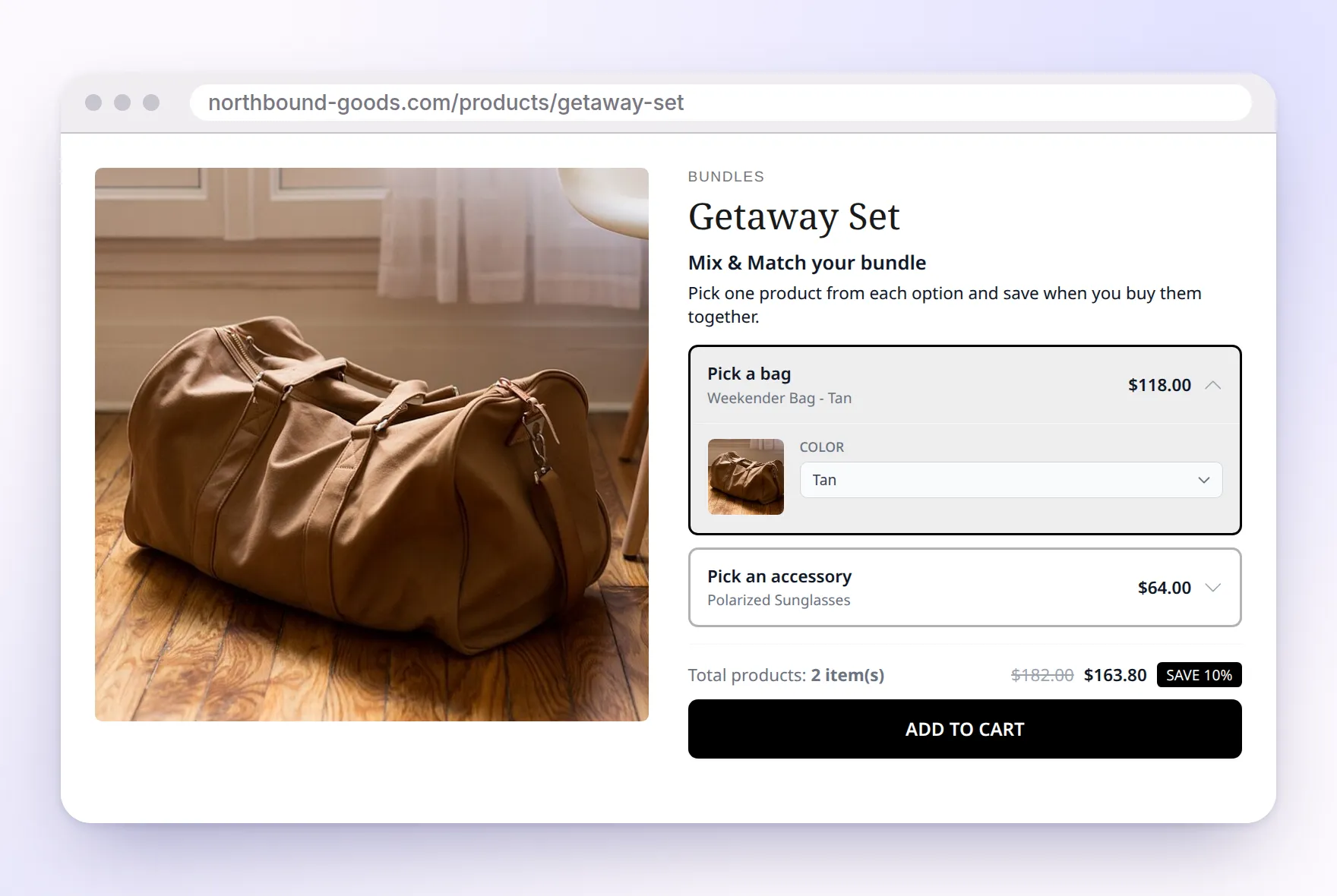
Add volume discounts, buy X get Y deals, mix and match sets, a bundle builder and fixed bundles to your product pages. Discounts apply automatically at checkout, with no codes.
Sam Bundles is a bundle app for Shopify, made by ShopWil. It adds five kinds of offers to your product pages:
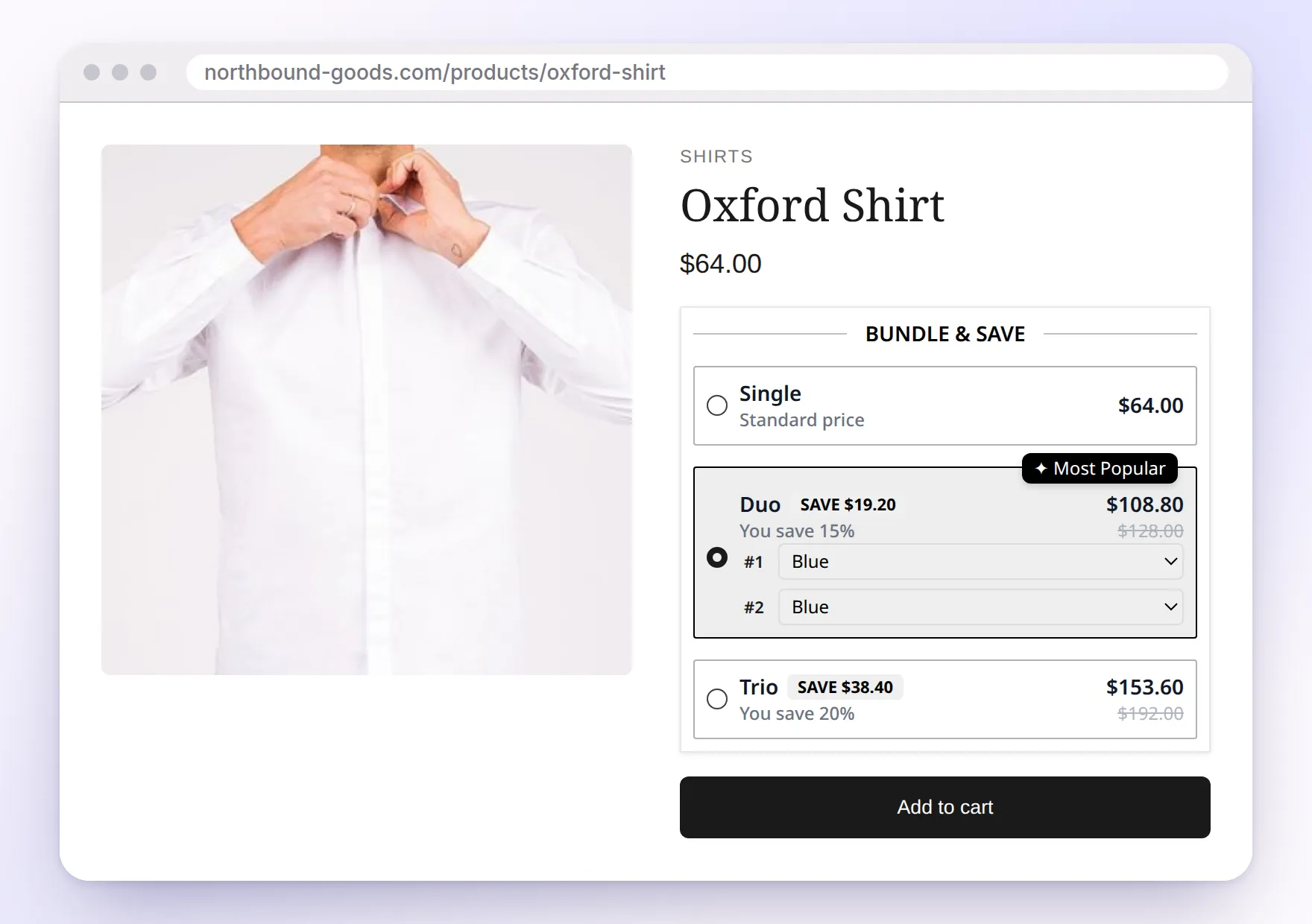
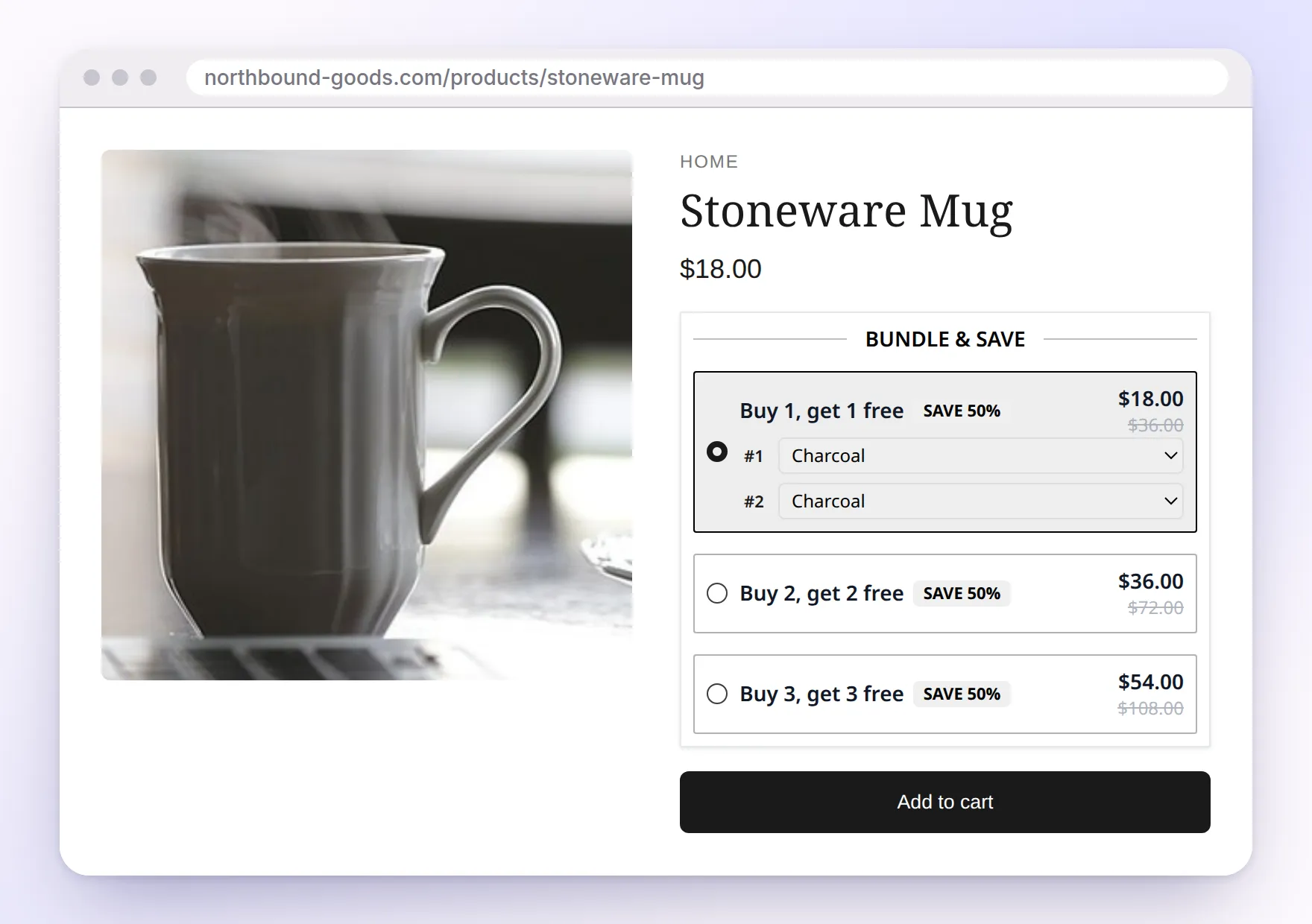
quantity breaks (volume discounts), buy X get Y (BOGO) deals, a bundle builder, fixed bundles and mix and match bundles. Quantity
breaks and BOGO run as an automatic Shopify discount, and bundles get their prices through Shopify’s Cart Transform, so customers
never need a code. You build offers from ready-made templates, and an analytics dashboard shows the revenue and order value it adds.
Sam Bundles is free on the Shopify App Store, live since July 2026.
FreeOn the Shopify App StoreApp Store listing, Oct 2026
5Offer types in one appPlus a free gift template
20Tiers per quantity break offerLimit set in the offer editor
30Products in a fixed bundlePer bundle, with options per item
How it works
How does Sam Bundles work?
1
Turn on the app embed
Install Sam Bundles and switch on its app embed in the theme editor. Widgets then appear next to the product form, with no code.
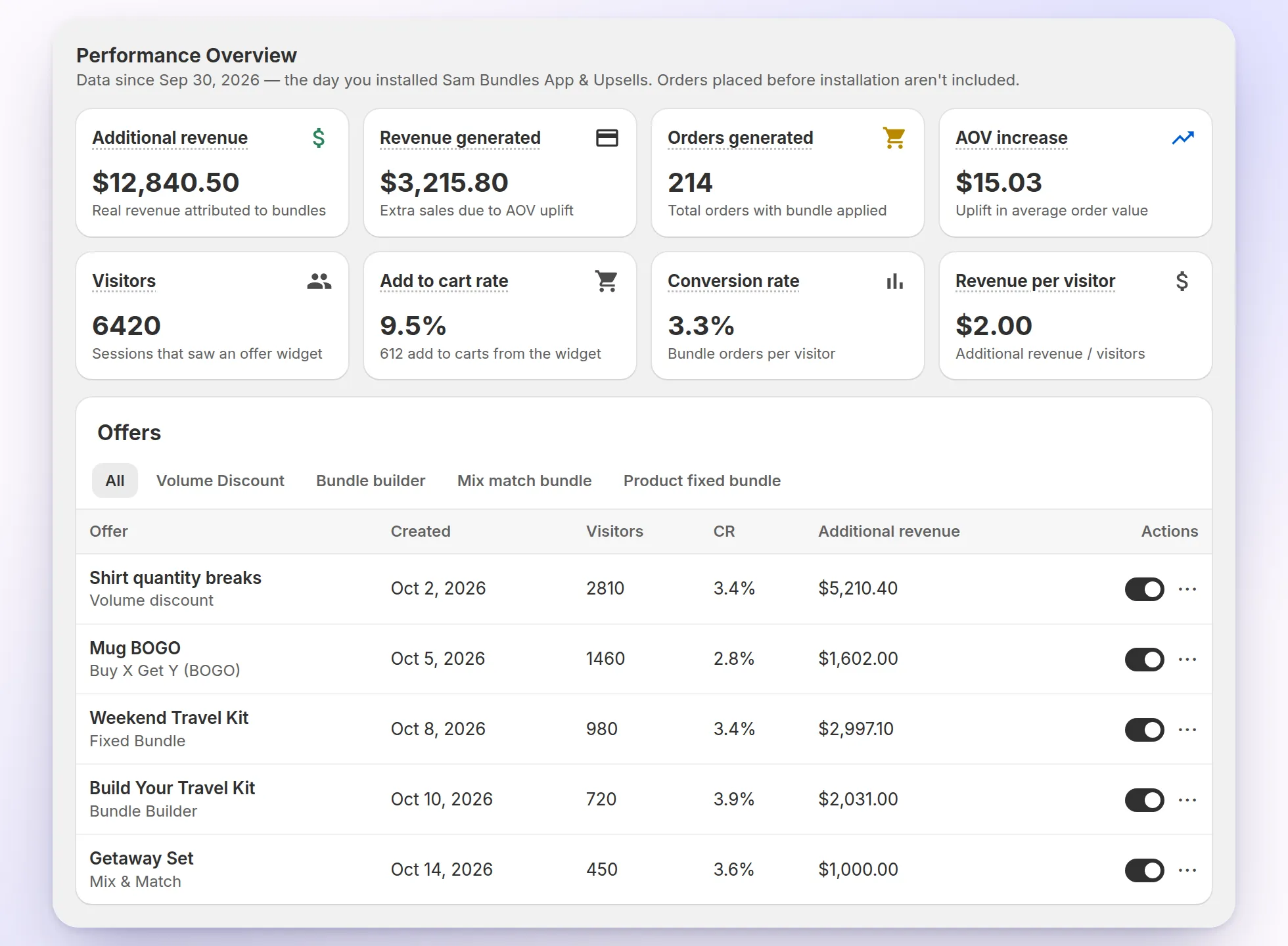
The dashboard tracks the revenue and orders your offers bring in, and how they change your average order value.
Additional revenue, orders and AOV increase
Visitors, add-to-cart rate and conversion rate
A results row for every offer, with an on/off switch
Sample data.
Checkout
How do the discounts apply at checkout?
Sam Bundles uses Shopify’s own discount and cart tools, so customers see their savings in the cart and at checkout without a code.
Automatic discounts
Quantity breaks and BOGO offers run as a Shopify Function. When the cart matches a tier, the discount appears in the cart and at checkout under the name you set.
Bundles that stay itemized
Bundle builder, fixed bundle and mix and match orders go through Shopify’s Cart Transform, which splits the bundle into its products at their bundle prices.
Choose per offer whether it combines with product, order or shipping discounts, and which customers can use it.
FAQ
Questions merchants ask
What is Sam Bundles?
Sam Bundles is a Shopify app by ShopWil that adds quantity breaks, buy X get Y (BOGO) deals, a bundle builder, fixed bundles and mix and match bundles to your product pages. Discounts apply automatically at checkout.
Do customers need a discount code?
No. Quantity breaks and BOGO offers run as an automatic Shopify discount, and bundle prices are set when the bundle goes into the cart, so customers see their savings without entering a code.
How much does Sam Bundles cost?
Sam Bundles is free on the Shopify App Store.
What kinds of offers can I create?
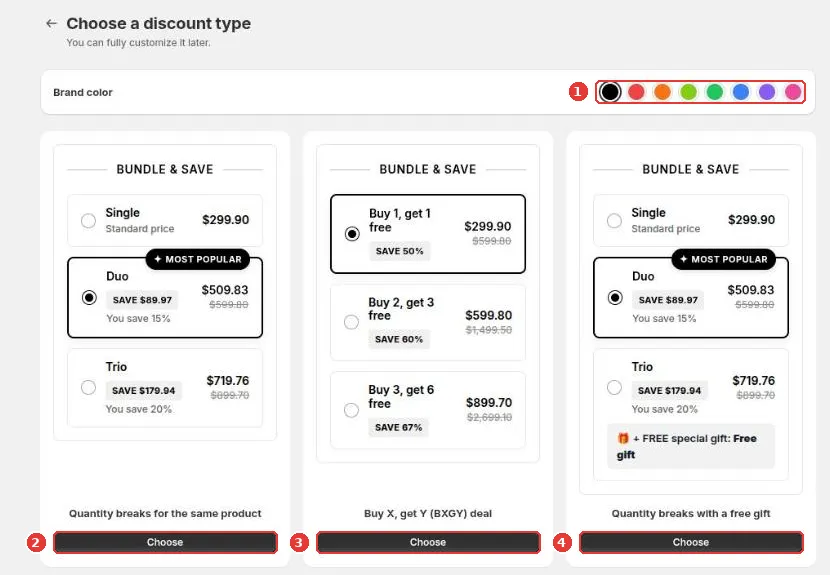
Quantity breaks (also called volume discounts), quantity breaks with a free gift, buy X get Y deals, mix and match bundles, a bundle builder and fixed bundles. Each one starts from a template you can customize.
Can Sam Bundles discounts combine with my other discounts?
You choose. In each offer’s Advanced settings, tick whether it can combine with product discounts, order discounts and shipping discounts.
Can I limit an offer to certain customers?
Yes. Customer eligibility lets you show an offer to all customers, only logged-in customers, only guests, or customers with specific customer tags.
Where does the bundle widget appear?
On your product pages. The app embed places the widget next to the product form automatically. To put it somewhere else, add the Volume Discount, Mix & Match, Bundle Builder or Fixed Bundle app block in the theme editor.
How do bundles show up in my orders?
Bundle builder, fixed bundle and mix and match offers use a bundle product. At checkout, Shopify’s Cart Transform expands it into the individual products at their bundle prices, so the order lists every item.
Can I schedule an offer for a sale?
Yes. Switch on Schedule in any offer, set a start date and time, and optionally an end date so the offer stops on its own.
Can I translate the widget?
Yes. The Translations page holds the widget’s system texts for each store language, and quantity break and BOGO offers have their own Translations button for titles and labels. Shoppers see the version that matches their storefront language.
Will Sam Bundles slow down my store?
The storefront script loads asynchronously, and offer settings are read from your store’s own data, so the widget doesn’t call ShopWil’s servers to render.